Professional · Free tool
AI LinkedIn Photo Generator
Make a bright, business-casual LinkedIn profile photo from one portrait. An approachable look with room for a circular crop. Try free, no sign-up.
Upload your portrait
Use a recent photo of one person with the whole face visible and some space around the head and shoulders. Avoid sunglasses, heavy shadows and distant group shots.
Aspect ratio
Get 2 free generations per cycle across all tools. After both are used, wait 48 hours for the next cycle of 2. No sign-up required.
Example linkedin photo result
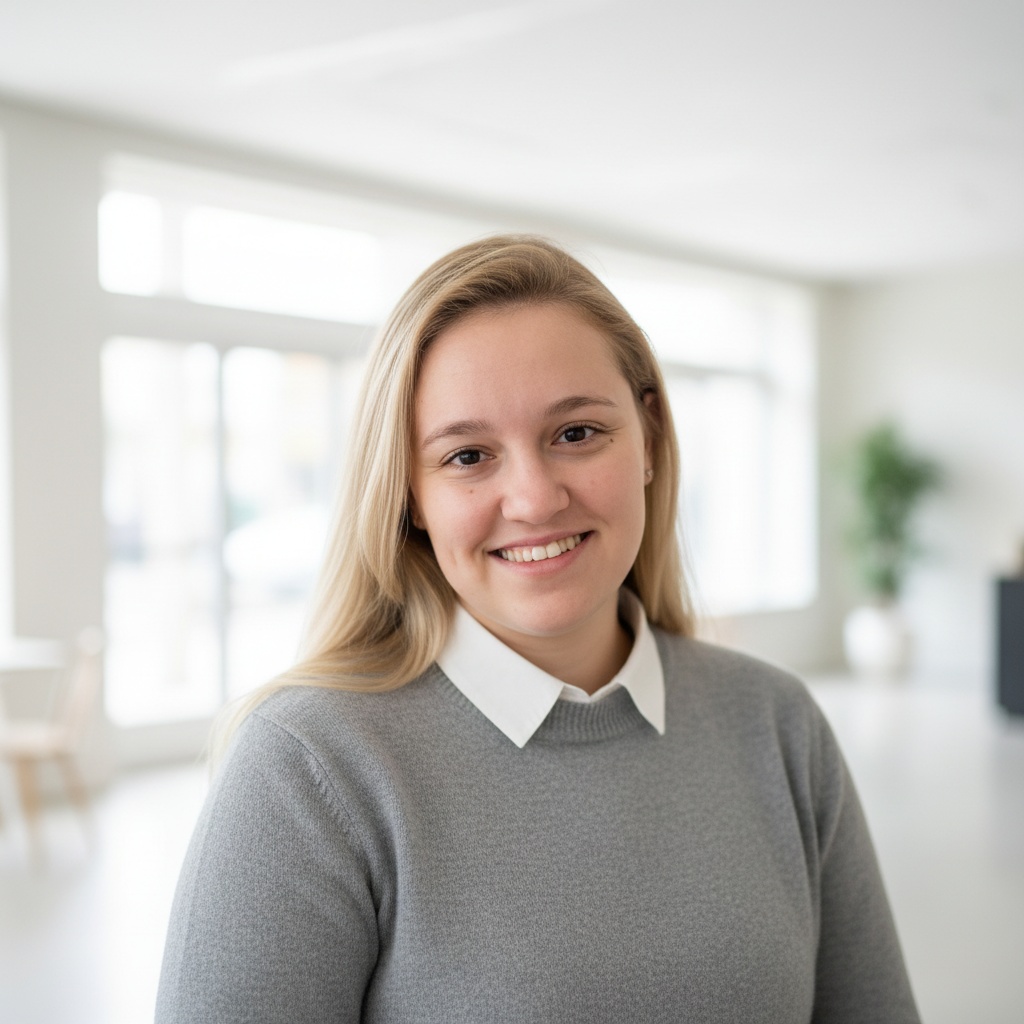
Illustrative AI output, not a before-and-after comparison. Your result will depend on your uploaded photo.
What the LinkedIn Photo generator does
Create an approachable networking portrait with bright, soft light and a blurred open-space background. The tool aims for a friendly expression and replaces the outfit with business-casual clothing. It leaves room around the head for a circular profile crop. The wardrobe style is fixed; there is no attire selector here.
How it works
- 1. Upload your portrait in the generator above. Review the crop before generating.
- 2. Choose 1:1 for a square profile image, or 3:4 or 4:3 for another framing. Tap Generate; check the circular crop when uploading to LinkedIn.
- 3. Download the result or share it with one tap. Saved results also stay in your on-device library.
Which photo works best
Use a recent photo of one person with the whole face visible and some space around the head and shoulders. Avoid sunglasses, heavy shadows and distant group shots.
Limitations to check
AI may change facial details or expression. Review whether the result represents you accurately. This tool is not affiliated with LinkedIn and cannot promise profile views, interviews or hiring outcomes.
What it costs
Get 2 free generations per cycle across all tools. After both are used, wait 48 hours for the next cycle of 2. No sign-up required. Free results carry a small Trendish watermark. A Pro pass removes the watermark, lifts the free-tier wait, and gives you unlimited generations for the length of the pass — the model, the prompt and the output quality are identical either way.
Which portrait tool should I choose?
Choose Professional Headshot for a company bio with a choice of attire; LinkedIn Photo for a bright, fixed business-casual networking portrait; or Profile Picture for a social avatar with a minimal, vibrant or moody backdrop that aims to keep your own clothing.